Gameplay Animation Showcase 3: Impacts
I wanted to take the time today to showcase the visual effects I’ve built in Unreal Engine. While I’ve been developing the feeling of combat in my game, I’ve gone through many iterations of what “Hitstop” (the time freeze during impact frames) should feel like.
The Hitstop effect
Major Goals
- Give a distinct feeling to the weight/speed of hitting something with super-human strength and absurd speed!
- Create meaningful hitstop events that give meaning to the gameplay.
Minor Goals
- When out of resources, communicate location to the player.
- When in an abundance of resources, add visual noise to gaining more. (deter player from gaining nothing)
- Adhere the gameplay mechanics to how I want the narrative to feel down the line.
- Communicate urgency in resources instantaneously to the player.
While the actual game development on the Blood Relevant project has been kind of slow as I tweak the gameplay and get playtesting, I wanted to show a little bit of how the effects work together to communicate ideas to the player.
At its core, Blood Relevant is a fast-paced resource-management game. Communicating information to the player has to be instant and ideally not interrupting the gameplay at all. The problem with frequent impact frames is that... It can feel a little over the top... Almost like a flashbang.

For the impact effect I ran into a major problem pretty quick.
In game, the length of the hitstop is determined by how much damage you deal, and how much damage you deal is determined by how fast you travel (speed is maintained throughout the event).
This created the problem of the player needing to react rather quickly as soon as the game exited the hitstop. Almost like being information blinded at the most critical moment.
Eventually I made the decision to have two separate impact effects.
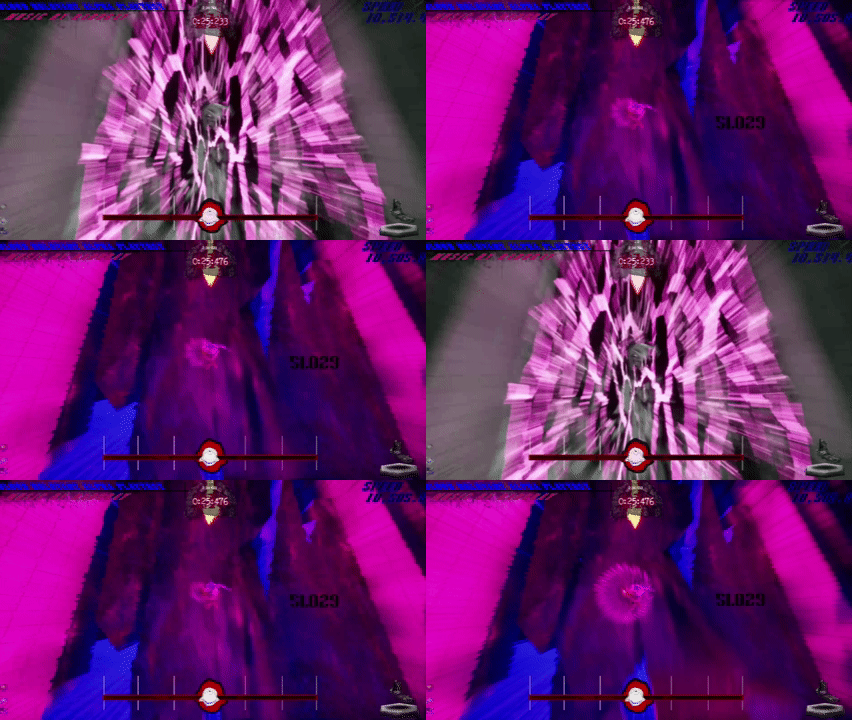
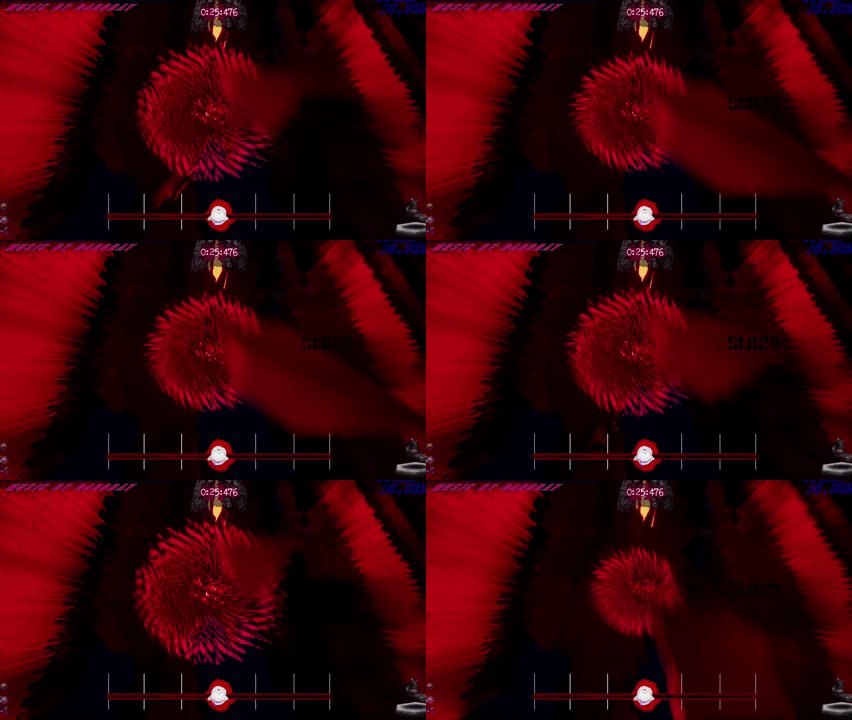
During Hitstop, the Impact effects would play in order: A, B, A, with the overall hitstop just divided by 3 for the delay so the length for each is equal.
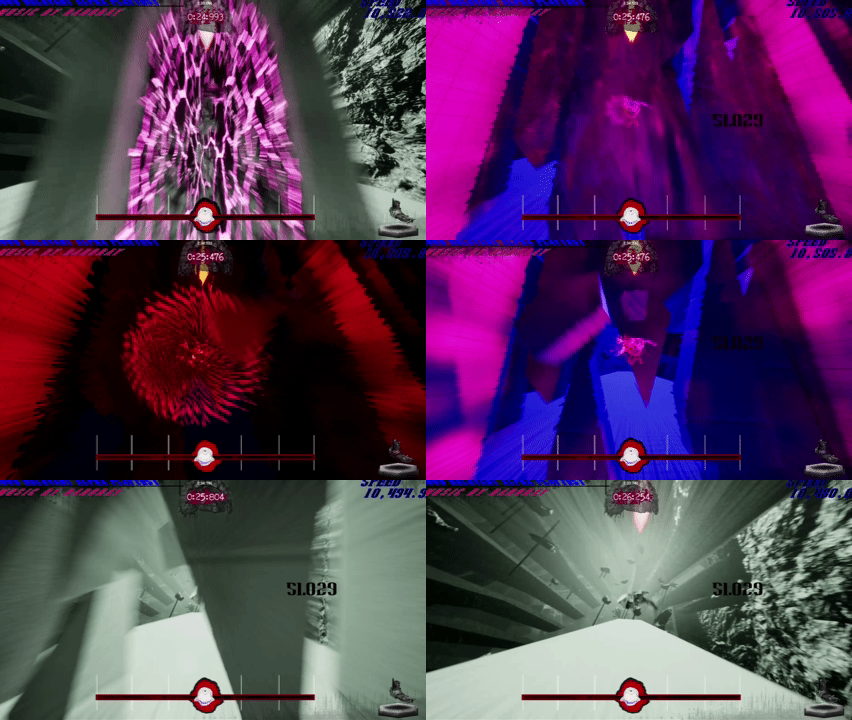
With the player able to see how long each effect plays, they can ”feel out” how long they’ll be in the hitstop for, sorta of like a green light going from yellow to red!
Minor notes on the effect
- Having hitstop effect A be less noisy and pronounced than B makes it feel more powerful than the reverse when everything looks like it’s about to crack.
- The impulse event and physics reaction happens during hitstop while time is otherwise frozen for the player and everything else. So the player can see through the wall and react!
- The effect that plays at the player’s point of contact grows bigger then smaller to show the release of power. (similar to A, B, A idea)
- Other layered material effects like speedlines and camera shakes were implemented to add to the feeling but I'm not going to cover them here.
Here’s what some of the effects looked like while I was still figuring out the timing and intensity!
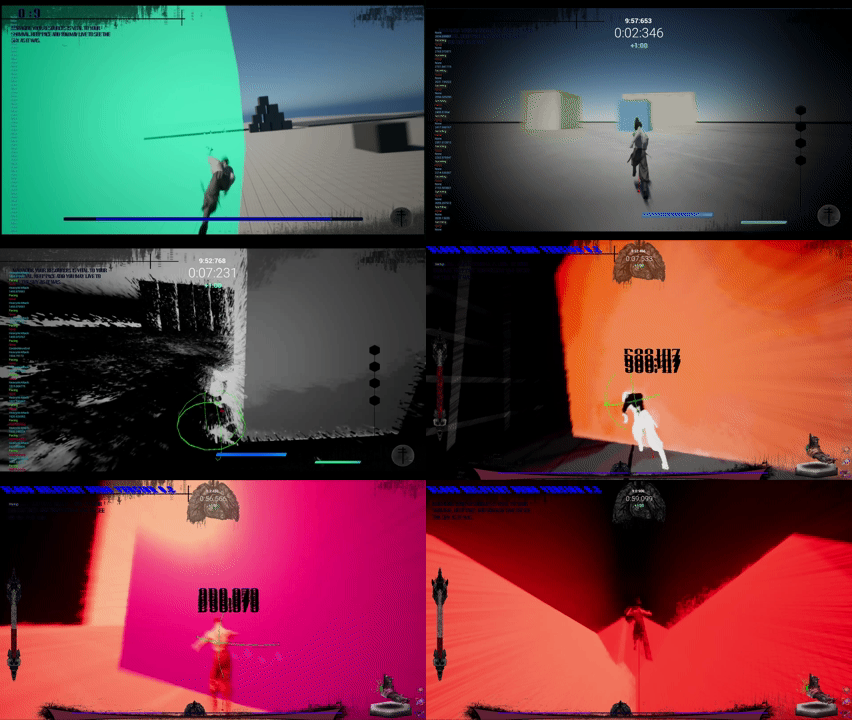
Here's a couple similar effects that I created too:
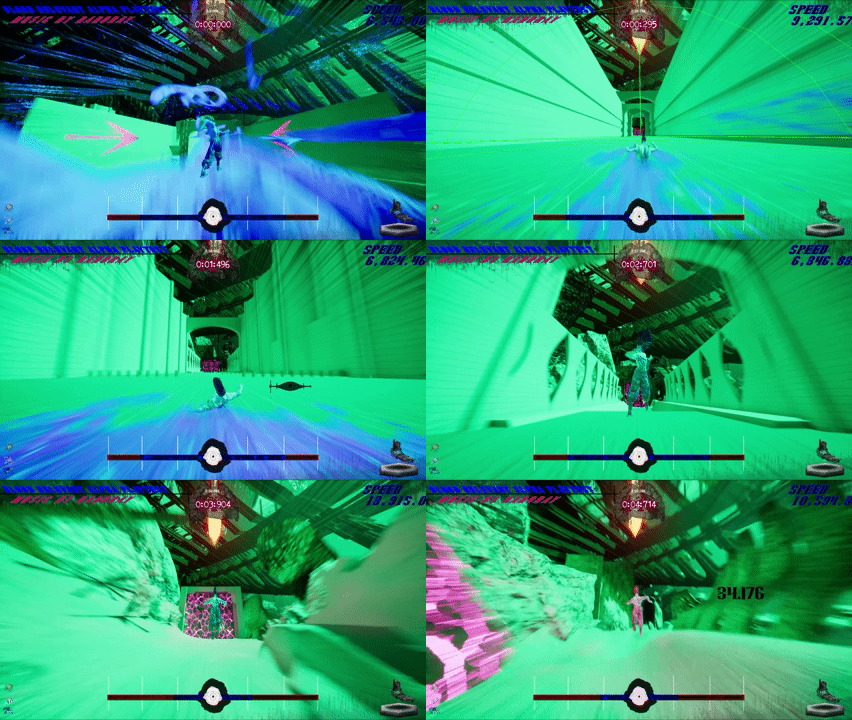
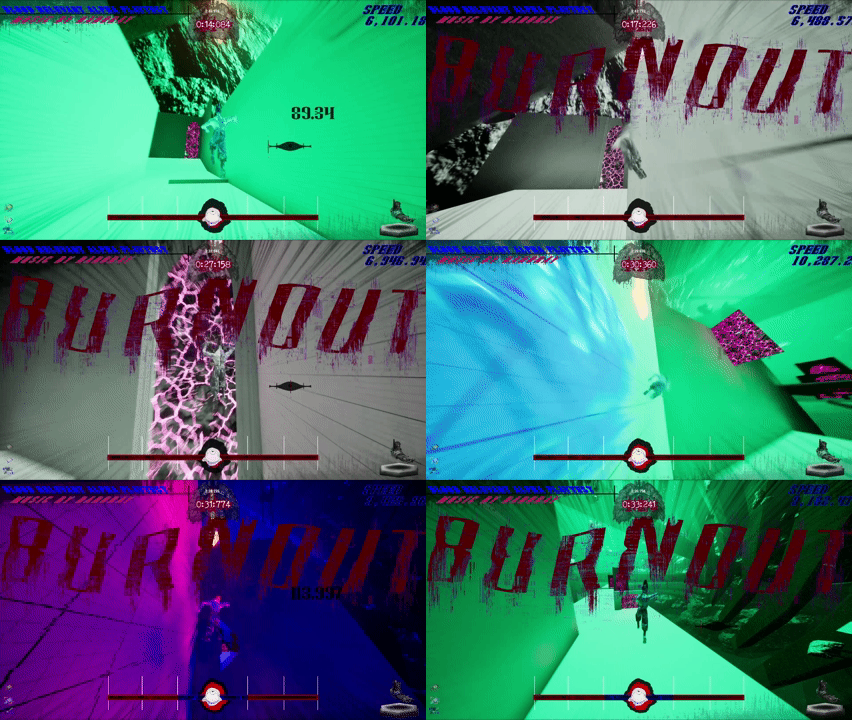
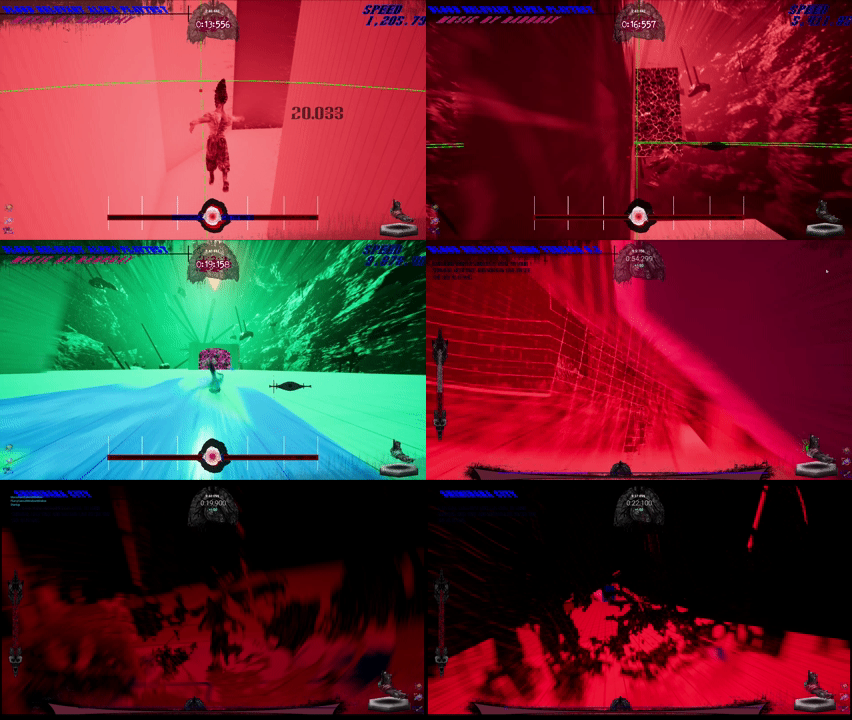
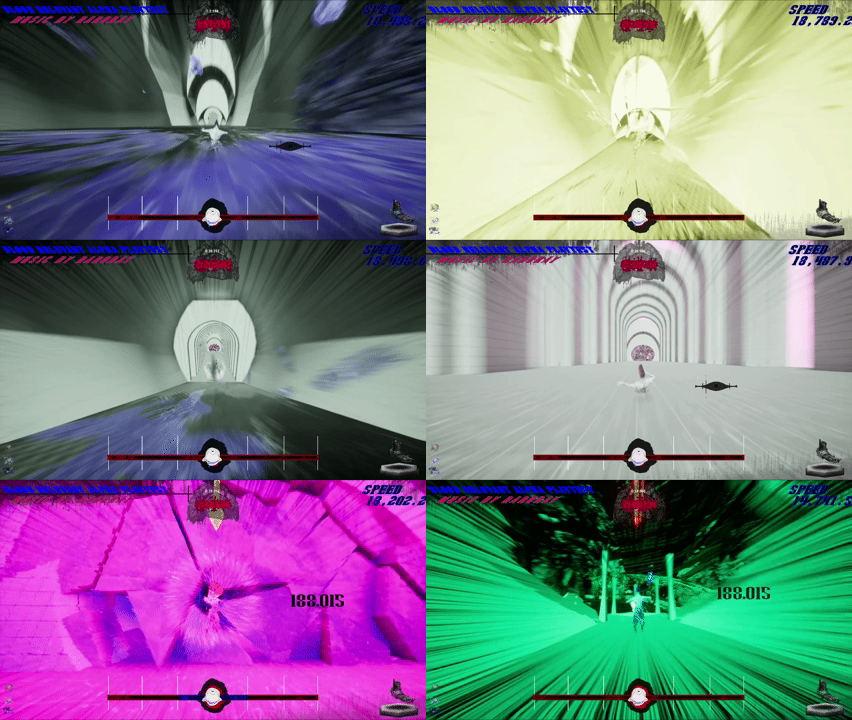
I can't wait to eventually release all of this and see people play, but in the meantime, thank you for reading. If you have any questions or need any tips on making your own systems, feel free to reach out to me on any of my socials!
If you want to experiment with the material itself feel free! I'd love to see how people can make use of it:
 FraserCowan